 PDF Docket
Compress to the size you need
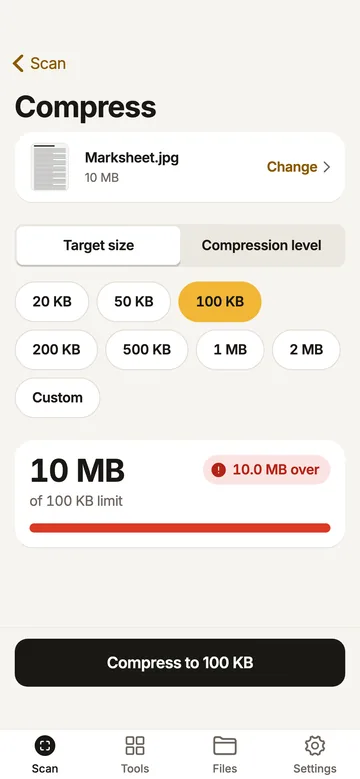
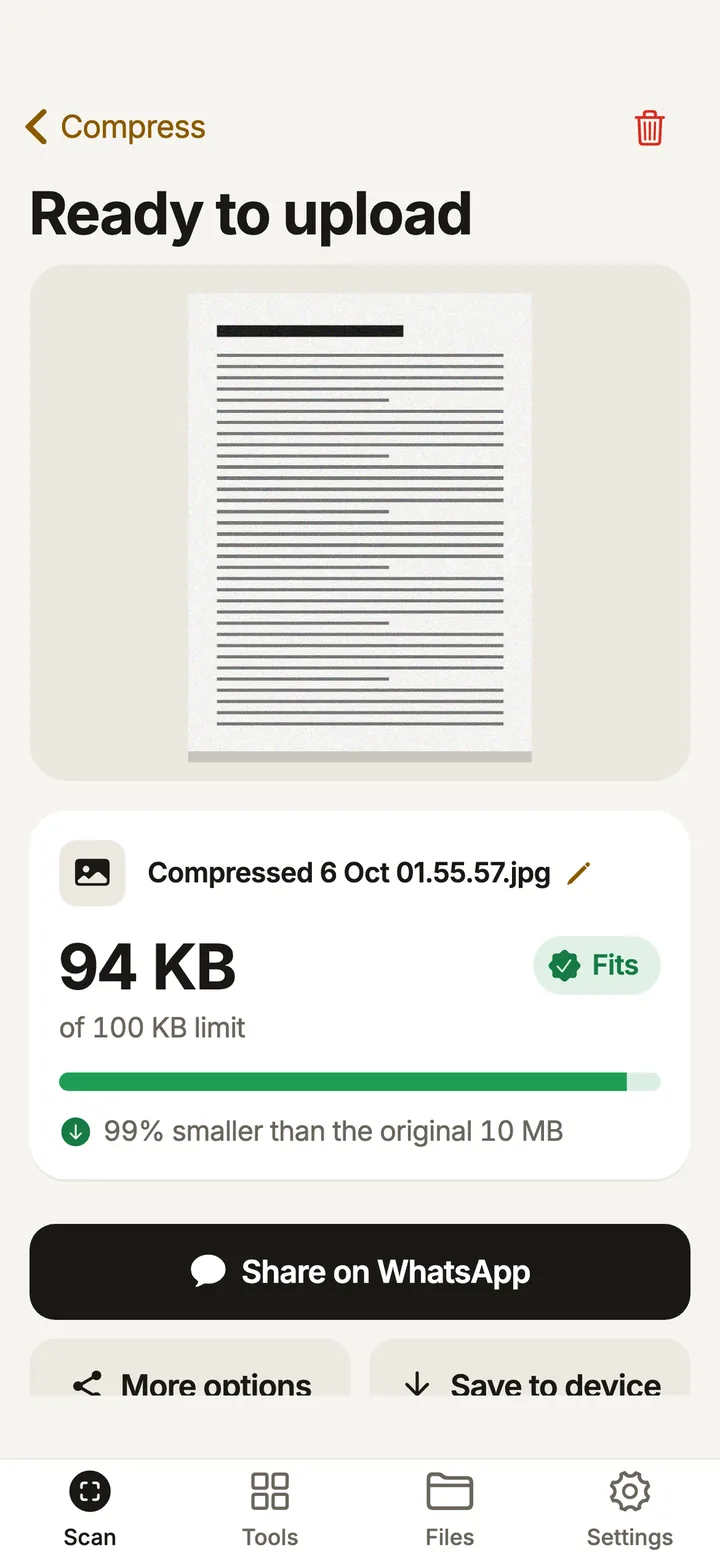
Pick a preset or type your own KB value. A size meter shows whether the result fits before you upload. You can also compress by level if you just want a smaller file.
- 20 KB
- 50 KB
- 100 KB
- 200 KB
- 500 KB
- 1 MB
- 2 MB
- Custom
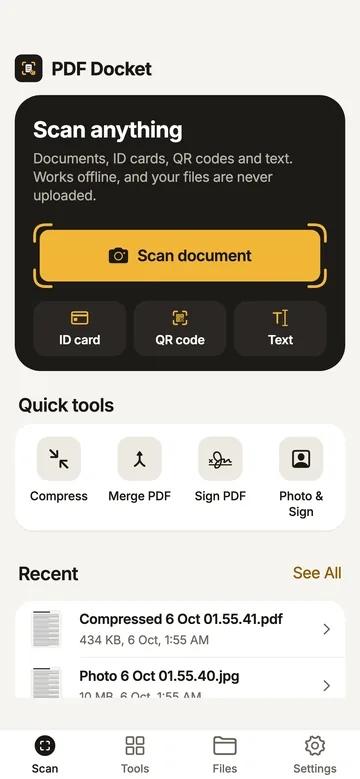
PDF Docket compresses a PDF or photo to the KB limit an exam or job portal asks for. It also scans documents, merges PDFs and adds your signature, and it works without internet.
Coming soon to Google Play
Android app in English and Hindi. Free, with ads.
Exam, college and job portals turn away files over their limit. These three tools are for that screen.
Pick a preset or type your own KB value. A size meter shows whether the result fits before you upload. You can also compress by level if you just want a smaller file.
Take the photo with the camera or pick one from your gallery, then crop it to the right shape.
| Preset | Pixels | Size |
|---|---|---|
| Passport photo | 413 × 531 | under 50 KB |
| Square photo | 350 × 350 | up to 100 KB |
| Signature | 400 × 200 | under 30 KB |
| Custom | Your own width, height and KB range | |
Scan or import the front and back, then save both on one page as PDF or JPG. Use the fit layout for uploads, or real card size for printing.
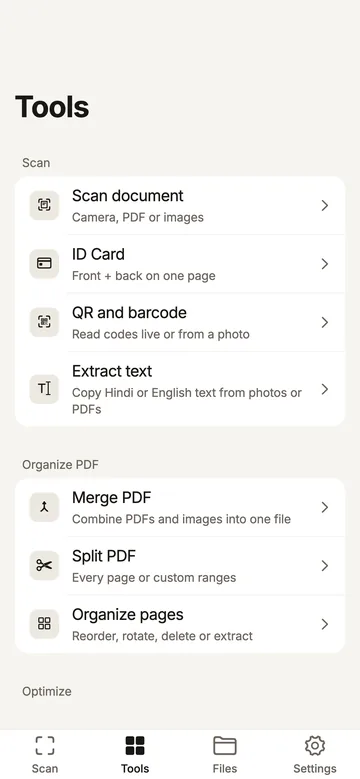
Grouped the way the Tools tab groups them. Every tool runs on your phone.
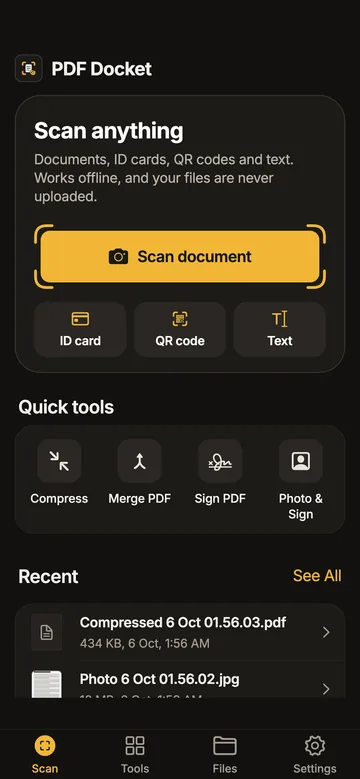
Switch the language in Settings and your documents stay as they are. Use a light or dark theme, or follow the phone.
Email the developer, Sahil Chalke. The support page answers the common ones.